My Local AI · iPhone, iPad and Mac
A little more room to think.
Capable AI that runs right on your iPhone and iPad. When you want a bigger model, pair your Mac and use the ones in LM Studio or Ollama, at home or away. No account, and your chats stay yours.
Free on iPhone and iPad · Link needs an Apple silicon Mac · Windows coming soon
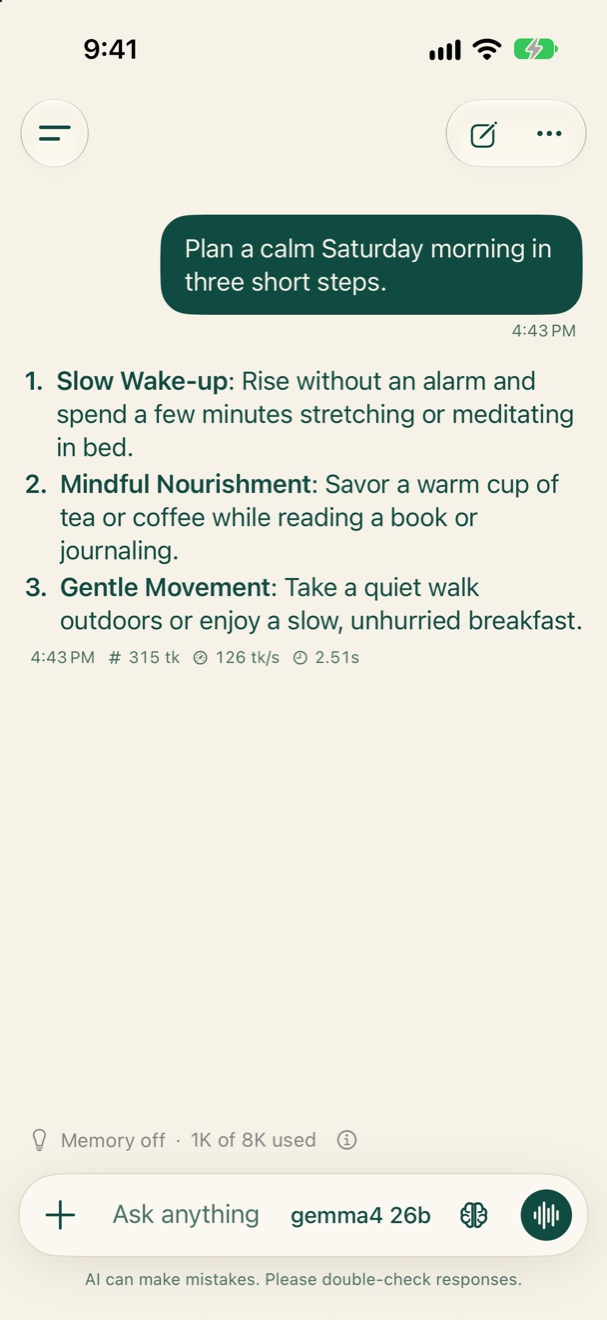
This answer came from a Mac, encrypted the whole way
On your iPhone and iPad
Ask, plan and write, right on the device.
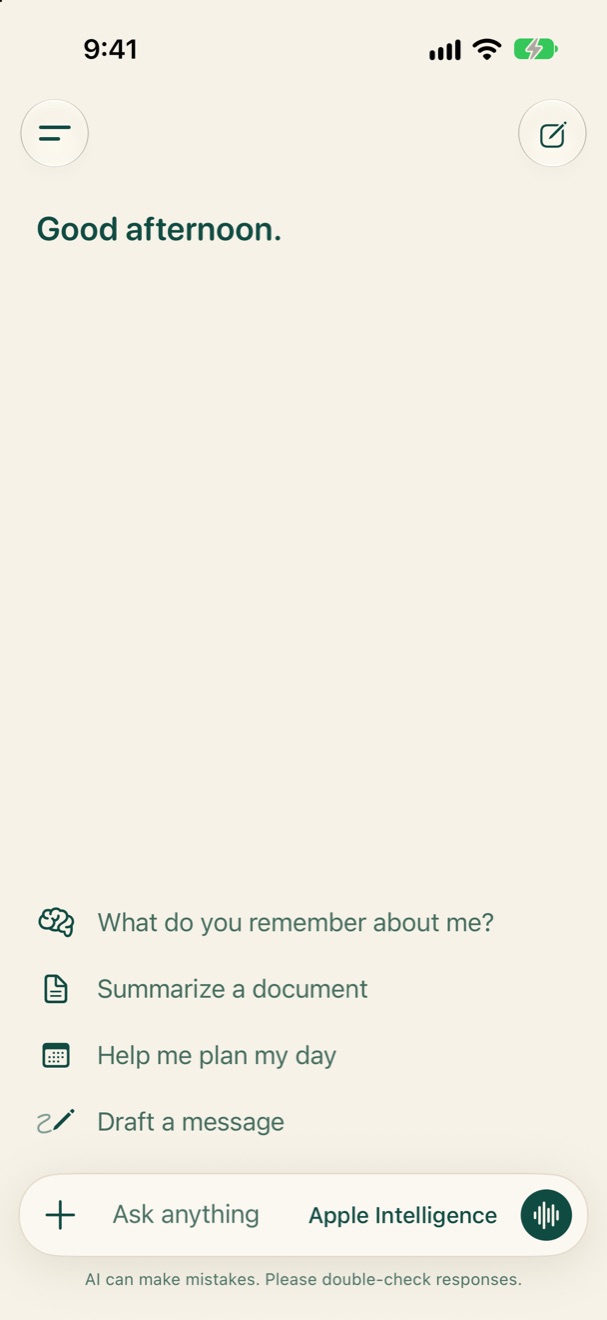
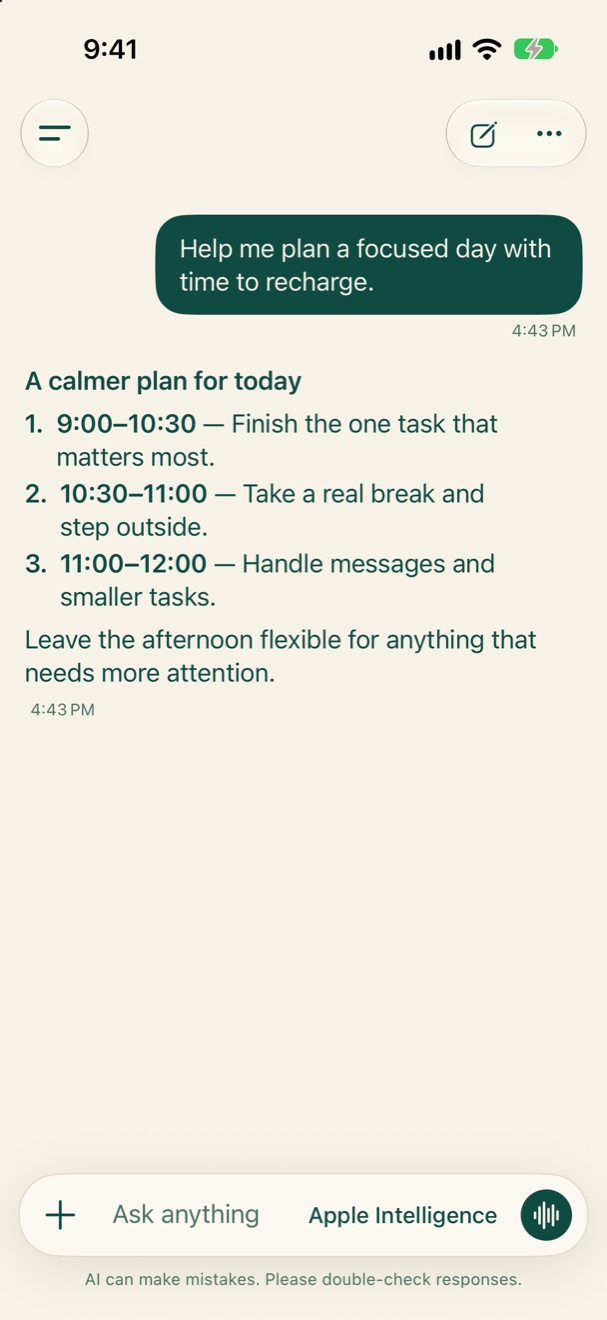
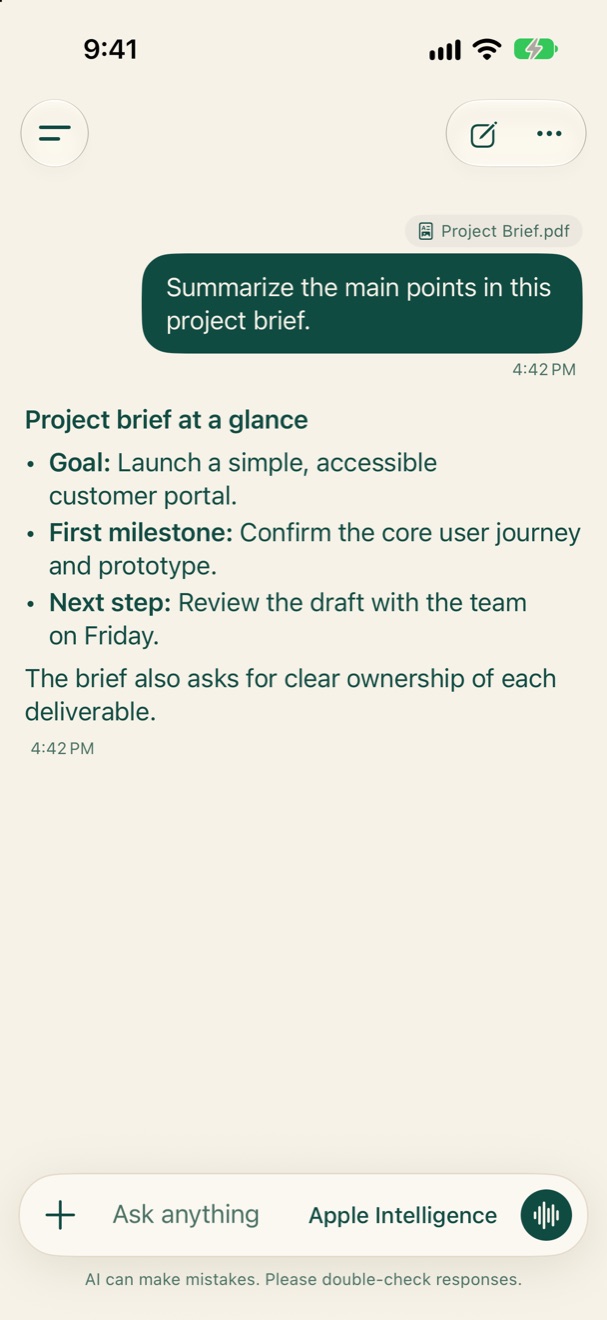
Apple Intelligence or an open model you download answers on your iPhone. Bring a document or a photo, and keep what matters in memory.
My Local AI Link · for Mac
Your Mac's models, on your iPhone.
Link shares the models in LM Studio, Ollama, llama.cpp and Unsloth with your iPhone. At home and away, encrypted the whole way. Nothing passes through our servers.
Free · Apple silicon Mac with macOS 15.6 or later · Signed and checked by Apple
- Drag to ApplicationsOpen the download and drag Link across.
- Open LinkIt finds your model apps and sits in the menu bar.
- Pair your iPhoneSettings › Your computers › Add a computer, then scan the code.
- Each phone has its own key
- Away from home, built in
- Keeps your Mac awake while sharing

Your space stays yours
Private by default.
Answers from Apple Intelligence or a downloaded model are made on your device. When you pair your own computer, it answers there, over an encrypted connection only your phone can open. There is no My Local AI account, and chats are stored on your device unless you turn on iCloud sync.
How My Local AI handles your data